Make a game, then play it
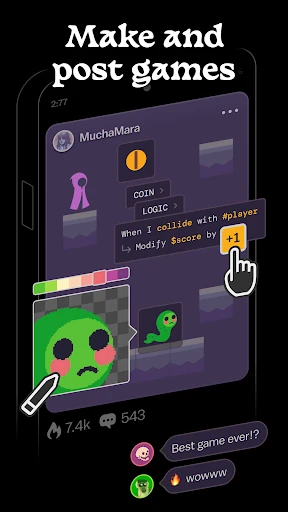
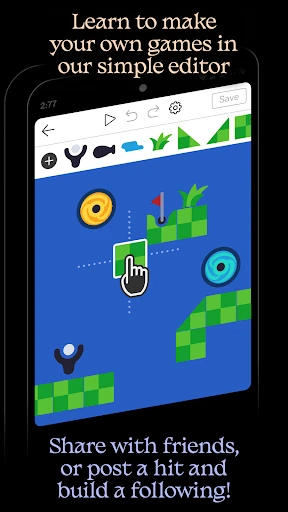
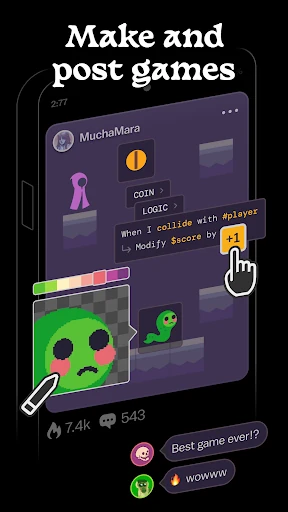
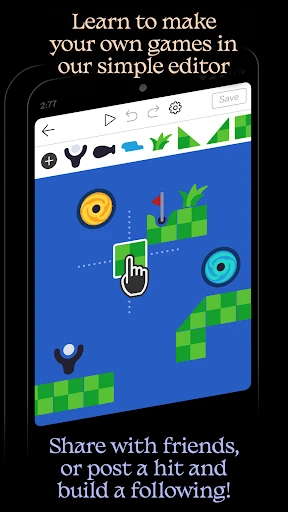
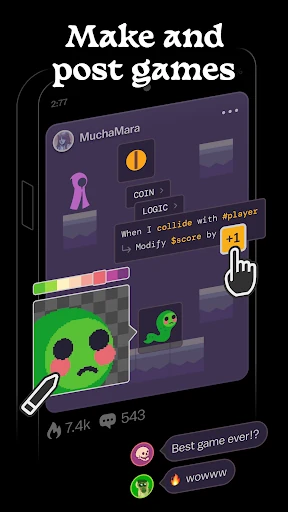
Castle is a mobile creation app for people who want to build and share small games, as well as try games made by others. Its visual tools cover drawing, physics and logic, so you can shape how a game looks and behaves without needing a separate art or coding app. It suits curious beginners and casual creators who would rather experiment on a phone than start with a full desktop game editor.
Start from something, or change it
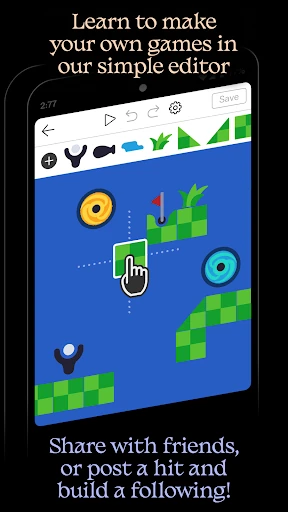
A blank canvas can be a hard place to begin. Castle offers templates and lets you remix other people’s projects, giving you a working starting point to adapt. You can explore how a game is put together, change its parts and publish your own take. That makes the app useful not only for making something original, but also for learning by tinkering.
Creation is part of the community
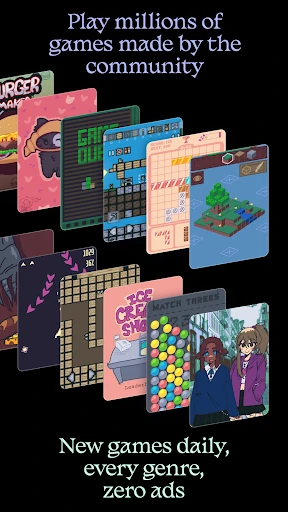
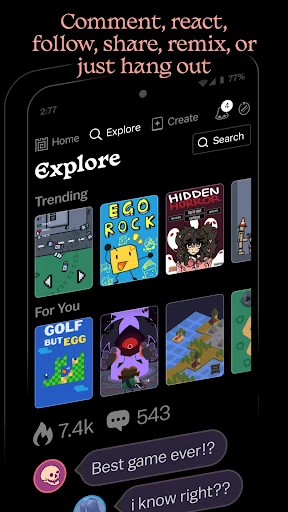
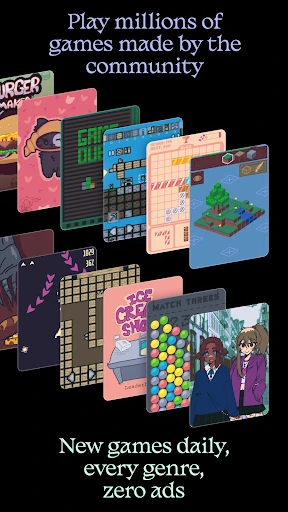
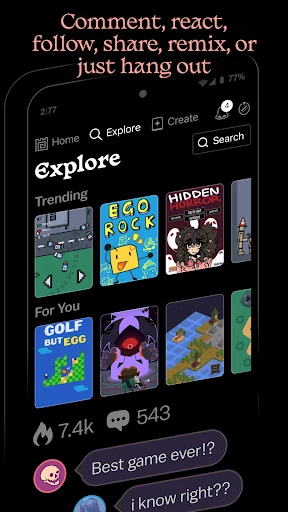
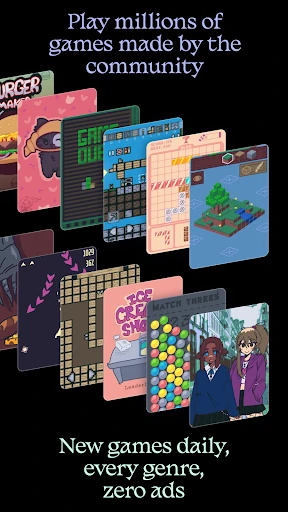
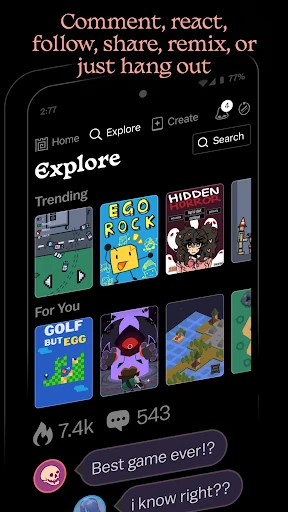
The app brings making and playing together: browse community projects, try them, and share your own. Leaderboards and achievements add a reason to return to games, while follows connect you with creators whose work you enjoy. The social layer is most useful if you want feedback or inspiration; if you only want a private drawing tool, much of Castle’s appeal may be beside the point.
Worth the space?
Castle has a clear purpose for a phone: it turns short creative sessions into playable projects, then gives those projects an audience. The editor has more to explore than a simple doodle app, so expect to spend some time getting comfortable with its tools. Its 4.7-star rating across about 124,000 reviews and 10 million-plus installs suggest that the make-and-play format has found a substantial audience. From Monterey’s Coast, Inc., it is a good fit for people who enjoy both creating games and seeing what other users make.