One inbox for personal and work mail
Samsung Email is a mail app for Android users who want to manage personal and business accounts in one place. It supports POP3 and IMAP accounts, as well as Exchange ActiveSync for work mail. With Exchange, it can also sync calendars, contacts and tasks. That makes it a practical fit for people who use both standard email services and an organization’s Exchange setup.
Tools for daily reading
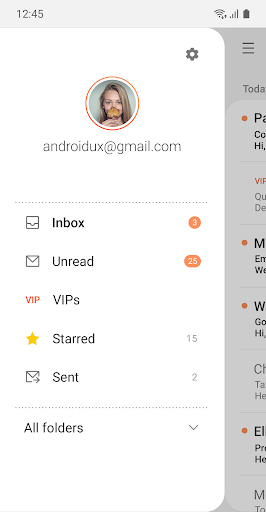
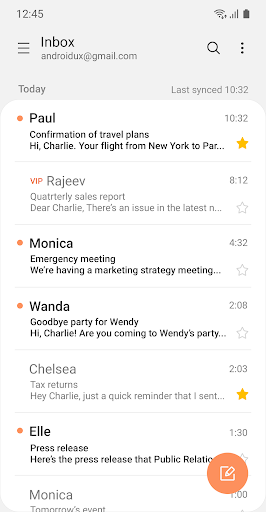
Combined mailboxes bring messages from multiple accounts together, while conversation view groups related messages into threads. Notifications and synchronization schedules can be adjusted, and the app includes spam management. These are useful controls if you check several accounts throughout the day or want to limit how often mail syncs.
Workplace and message security
The app supports S/MIME encryption for email communication and includes Exchange ActiveSync policy administration for organizations. These features may matter to people handling work correspondence, though what is available or required can depend on the account and its organization’s settings. Samsung Email can also connect email senders and recipients with contacts; Exchange accounts can sync contact information and calendars when permitted.
Who it suits
This is most useful for Samsung Android users who want a dedicated email app with support for several account types, rather than a tool for only one mailbox. It is developed by Samsung Electronics Co., Ltd. The listing has a 4.37 rating from about 2.53 million reviews and more than 1 billion installs, a substantial track record for an app that handles routine personal and work email.